Learn PLCs and controls by doing the work.
CodePLC Labs is an industrial controls lab in your browser. Measure real circuits, find real faults and program PLCs on machines that come with full electrical prints.
Runs in your browser, nothing to install.
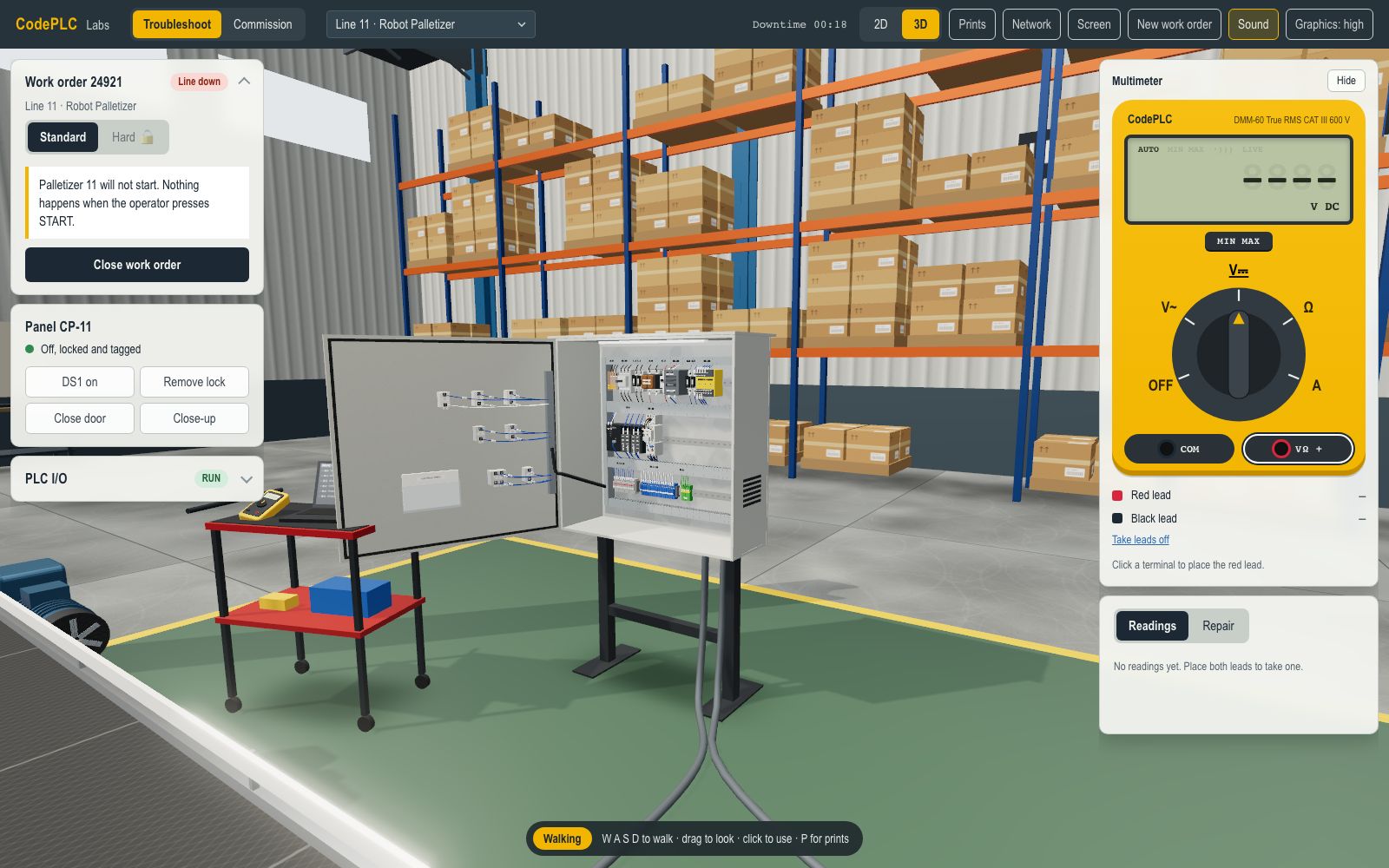
- Interactive lessons
- 100+
- Machines with full prints
- 13
- Scored checkpoints
- 14
- Following along
- 110,000+
Learn it, practice it, prove it
Every skill goes the same way: a short lesson on a trainer bench, real work on a machine, then a scored checkpoint with no hints.
Start on a bench where every part is in the open
Predict the reading, then take it. Volts, amps and ohms, sensors, relays, contactors and drives, one idea at a time, and every answer explains itself. 111 lessons on 14 tracks, from Ohm's law to networks and HMI.
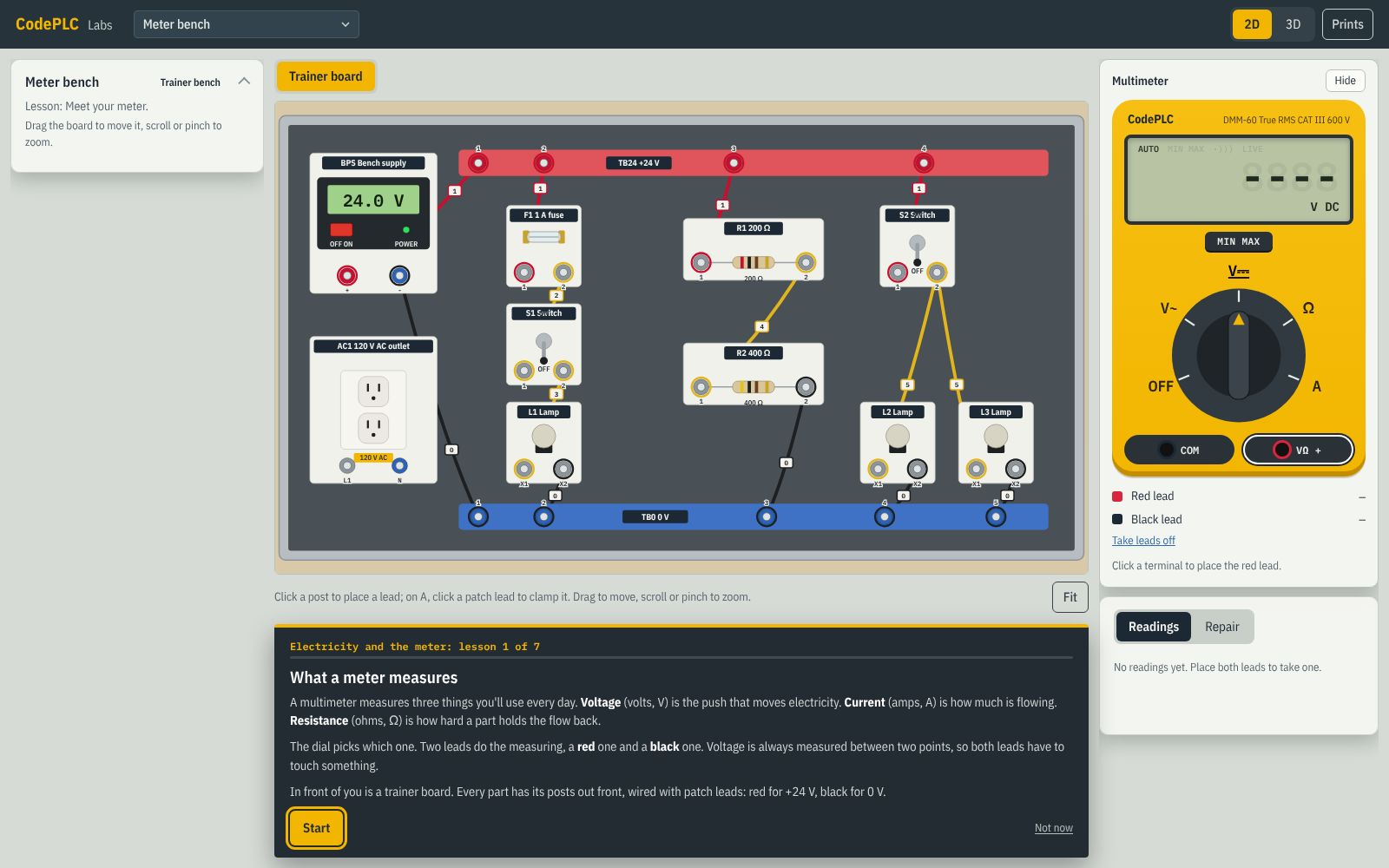
Find real faults. Commission real machines.
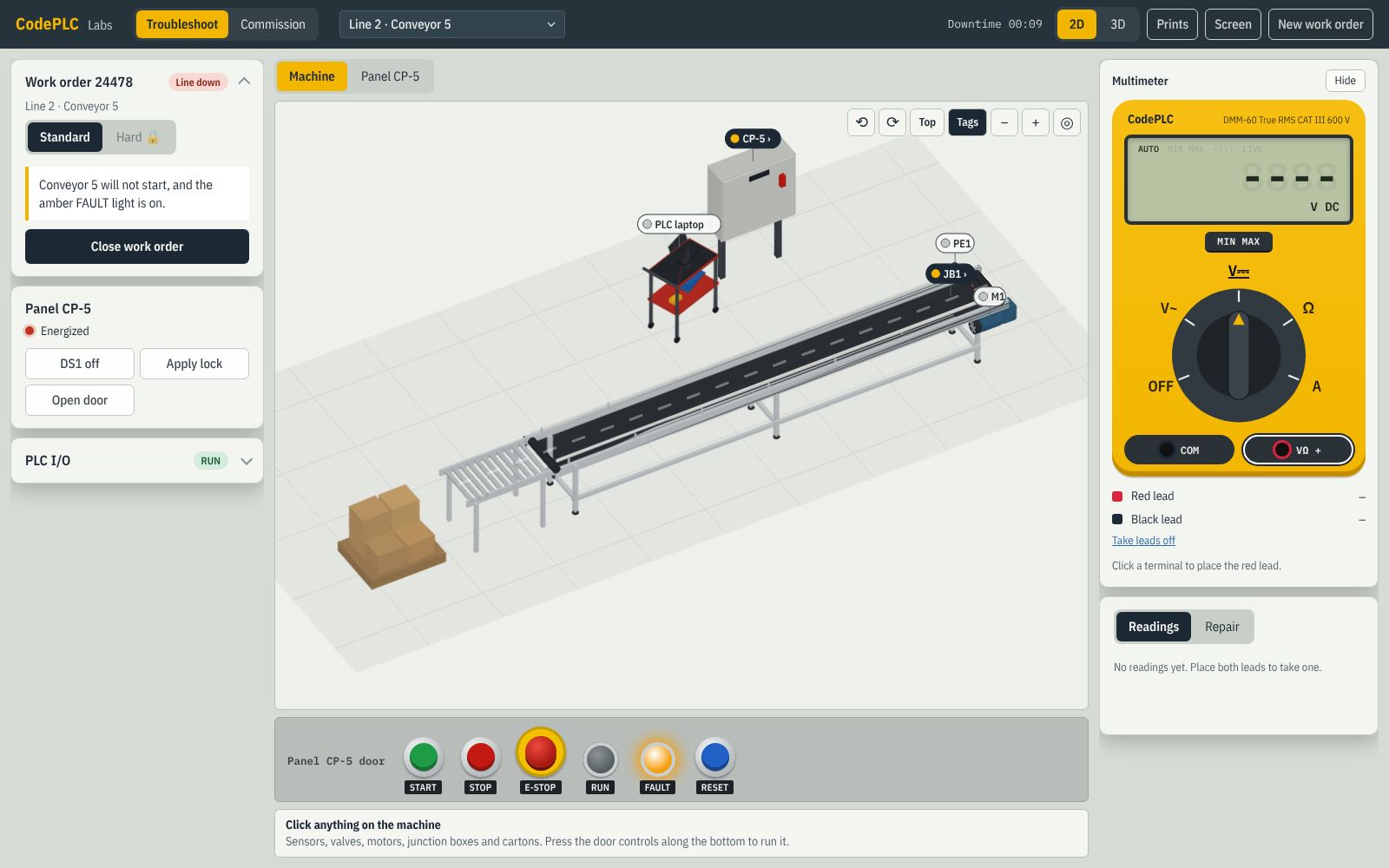
Work orders on 13 machines, each with a complete set of prints: lock out, prove it dead, measure, repair. Then write the PLC program from the spec, in the built-in PLC or on your own PLC over Modbus TCP, and commission the machine.
Checkpoints that mean something
One checkpoint per track: an unseen fault or task, no hints, and a pass mark. What you pass goes on a record you can print and share.
An example portfolio. The checkpoints are the real ones.
Choose your path
The same lab, set up three ways. Pick the one that fits you to see what you get and what it costs.
Learning for myself
The whole path at your own pace, from Ohm's law to commissioning a machine.
- Every lesson, machine and checkpoint
- A printable portfolio of what you pass
Teaching a class
A controls lab every student can use on any computer, alongside your physical trainers.
- An instructor view of each student's progress
- A scored checkpoint for every track
Training a team
Troubleshooting and PLC practice for techs and electricians, without tying up a line.
- A manager view of what each person can do
- Real work orders on machines with full prints
Questions
Do I need any experience?
No. The lessons start with Ohm's law and how to use a multimeter safely, then build one idea at a time: control components, motor circuits, reading prints, finding faults, then PLC programming.
Do I need a PLC, a trainer or any software?
No. CodePLC Labs runs in your browser and has a built-in PLC (IEC 61131-3, in Structured Text or Ladder Diagram), so you can program every machine without buying anything. Already have a PLC, or PLC software with a soft PLC? If it can be a Modbus TCP client, CodePLC Connector links it to the Labs machines: a small Windows app that makes the machine's inputs and outputs Modbus coils, inputs and registers your program reads and writes, from the same PC or across your network.
What computer do I need?
Any recent laptop or desktop with Chrome, Edge, Firefox or Safari. Labs has a 3D view and a 2D view for slower computers and smaller screens. The only download is CodePLC Connector, for using your own PLC, and it's optional (Windows).
Which PLC brands does it cover?
It isn't tied to one. The Labs PLC follows IEC 61131-3, the standard behind many brands' PLCs, and you program it in Structured Text or Ladder Diagram. If you have a PLC or PLC software that can be a Modbus TCP client, you can program the Labs machines with that instead.
Are the safety practices for the US?
Yes. Lessons follow NFPA 70E and OSHA lockout/tagout (1910.147), and every lockout is followed by proving the circuit dead with a meter. Prints and wiring follow NFPA 79 and UL 508A practice.
What does it cost?
It depends on who it's for, and each page has its own pricing: for learners ($59 a month or $399 a year), for schools (by quote) and for employers (per person, or by quote for bigger teams).